Testing Tool
Redesign of a system testing interface
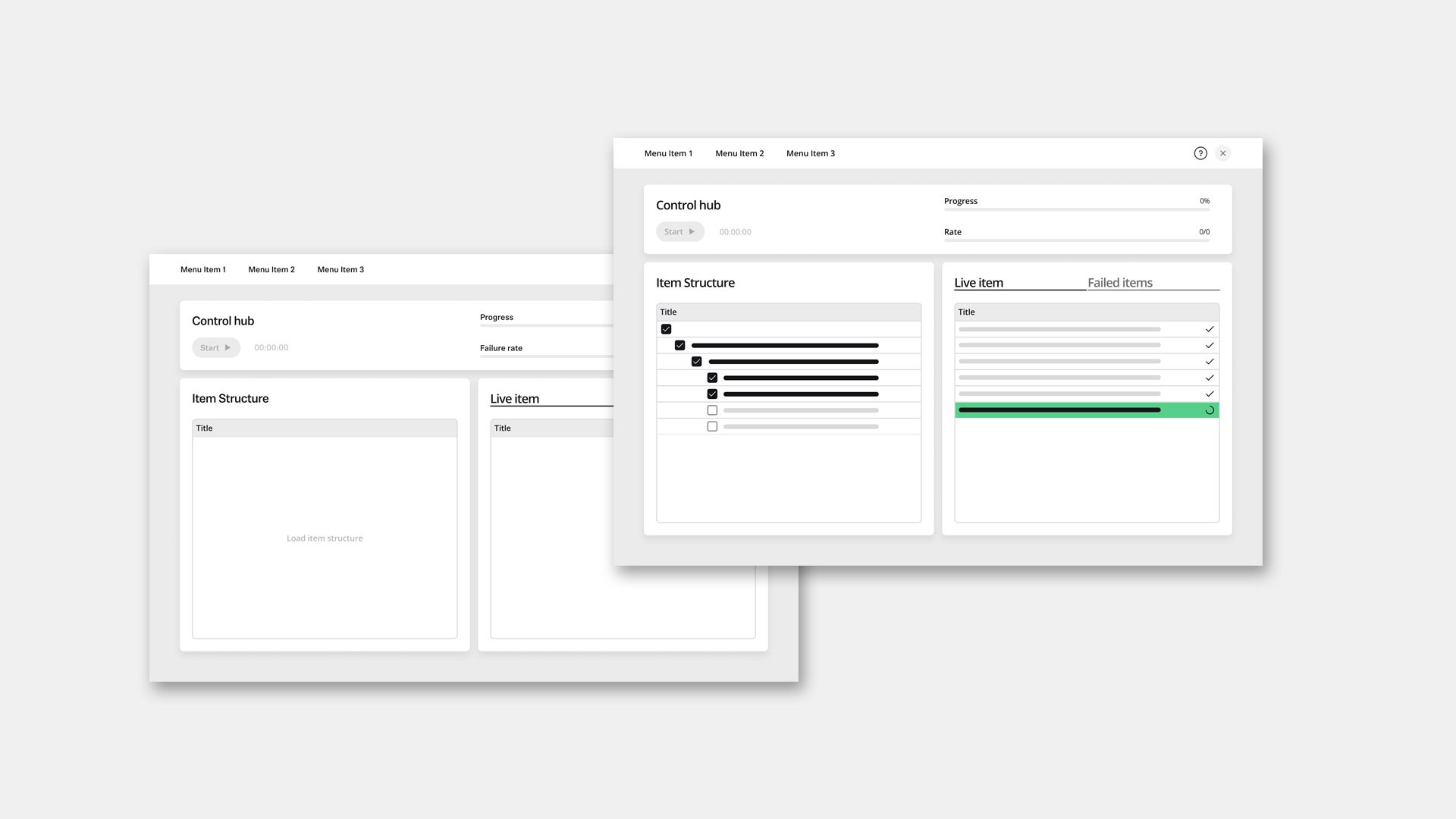
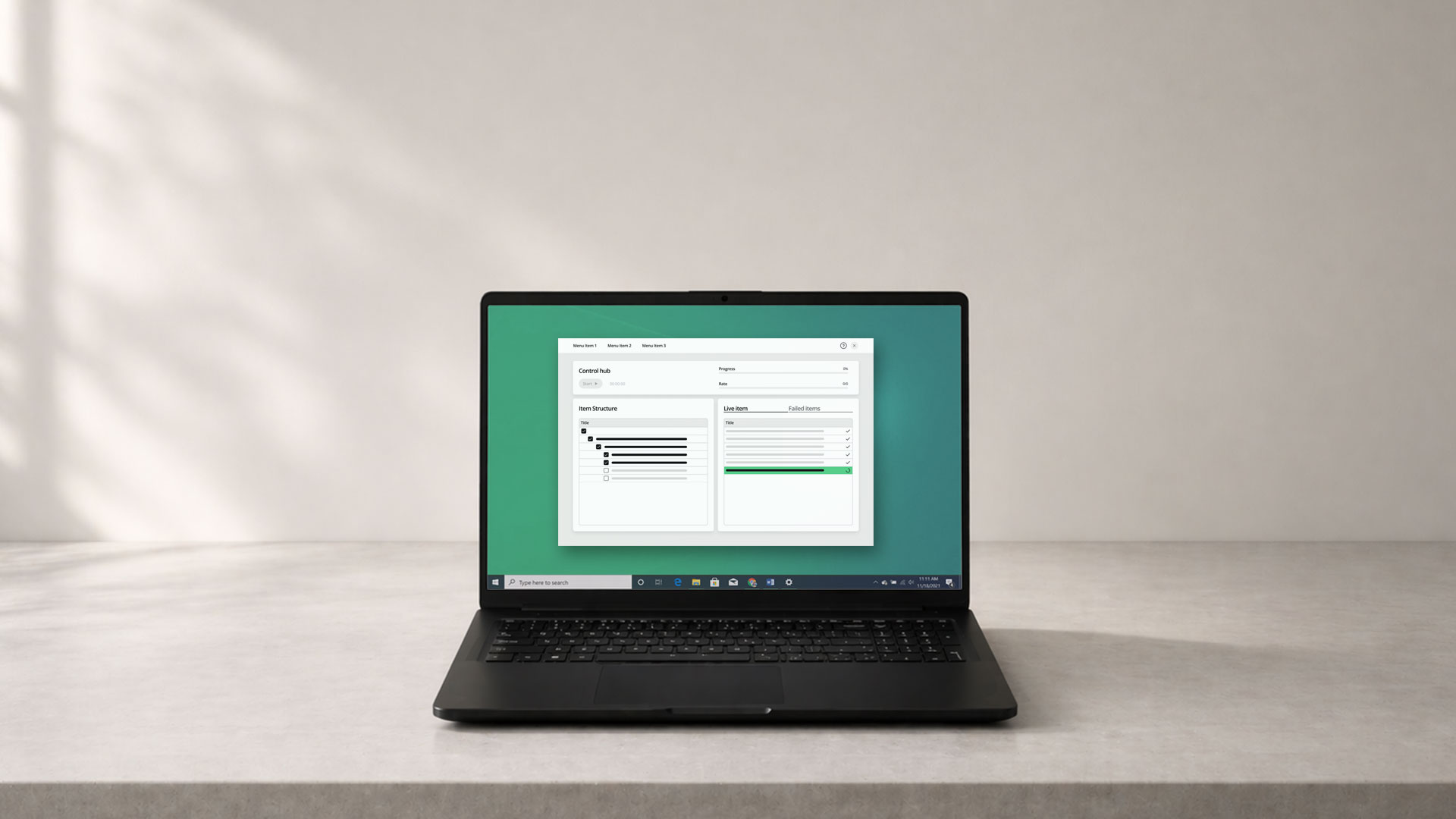
This project focused on redesigning an internal tool used to organize and execute system test sequences. The goal was to modernize the interface and improve usability, enabling broader adoption within the client's organization.
Timeline
2025 | 1 Month
Client
Confidential
Role
UX, UI Design
Tools
Figma
Team
Arianna Agudio
Rights
Rights This is a confidential project. All details and visual assets are simplified and generalized.
My Role
I led the project on the agency side, responsible for UX and UI design.
My work included:
evaluating the existing tool from a usability perspective
defining an improved information architecture
developing UI concepts aligned with the client's design system
aligning design decisions closely with the development
Context
The tool is used internally by system testers to organize and execute test sequences. It supports both local workflows and integration with external systems, resulting in multiple operational states.
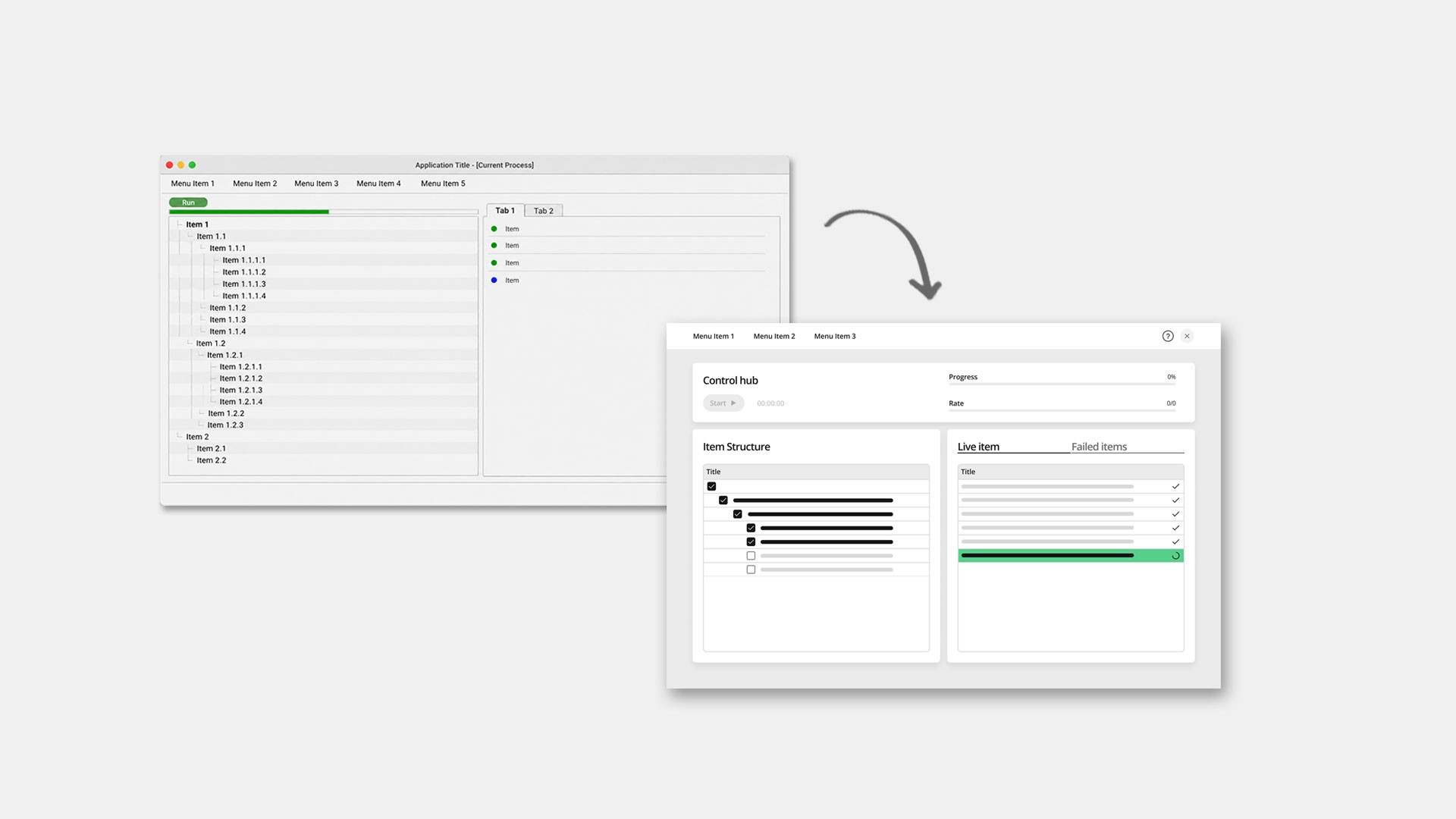
As outlined in the initial project brief, the existing interface lacked intuitive structure and required long onboarding to be used effectively. While the tool worked reliably on a technical level, its usability and visual quality limited adoption.
Challenge
The tool had grown organically and reflected technical logic rather than user workflows. The challenge was to improve usability and accessibility without changing the underlying system.
The redesign had to work within an existing Python-based framework and UI library, preserving all functionality while making the tool understandable without extensive onboarding. This required rethinking structure, terminology, and hierarchy within a limited solution space.
Approach
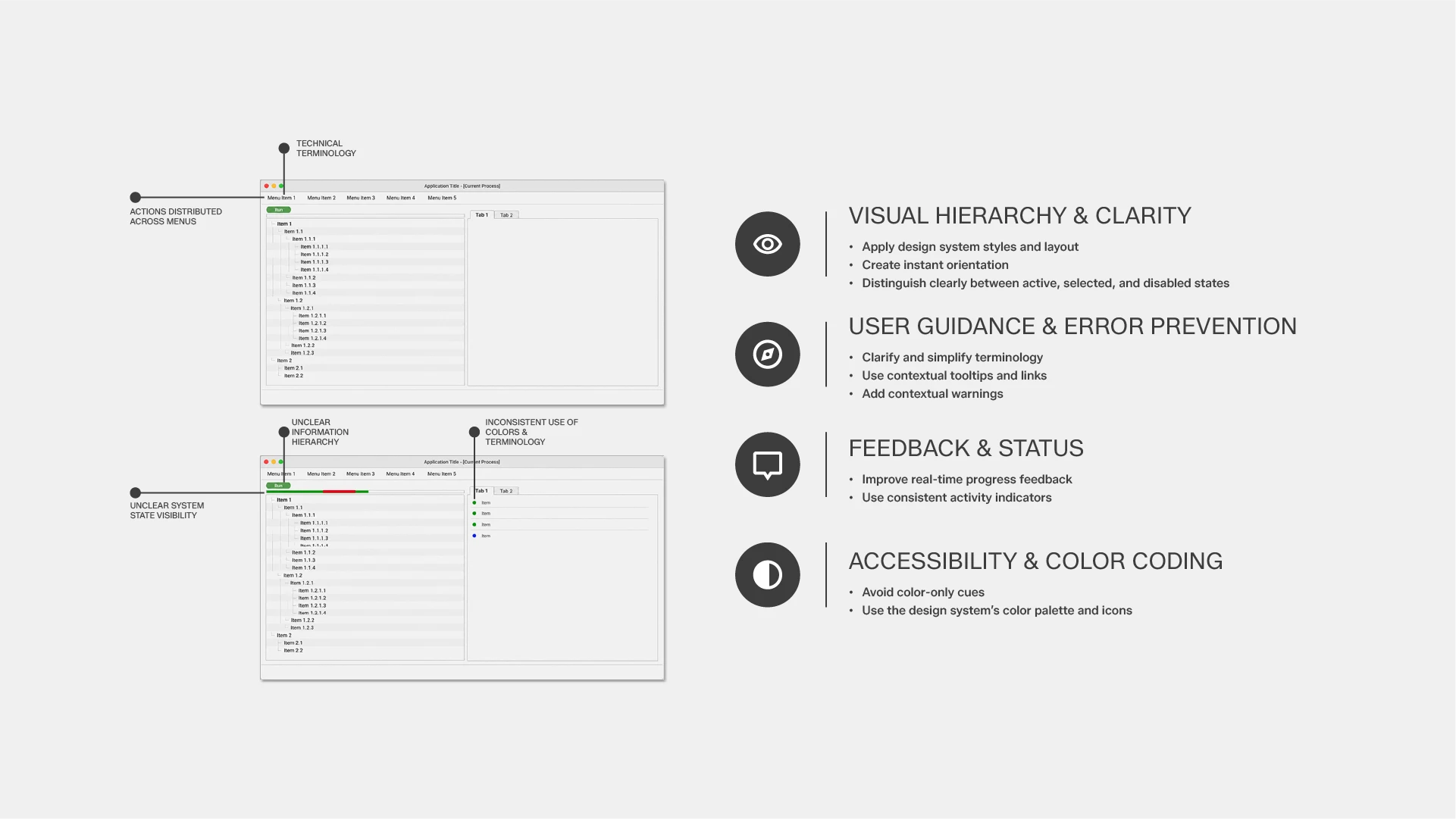
We started with a structured evaluation of the existing tool, combining a heuristic analysis with a detailed mapping of all interface elements and workflows.
Based on this, we defined a revised information architecture and explored alternative layout concepts. These concepts reorganized key actions and information to improve hierarchy and reduce cognitive load.
After aligning on a direction with the client, we translated the concept into a UI aligned with the existing design system, ensuring feasibility within the technical framework.
Process Insights
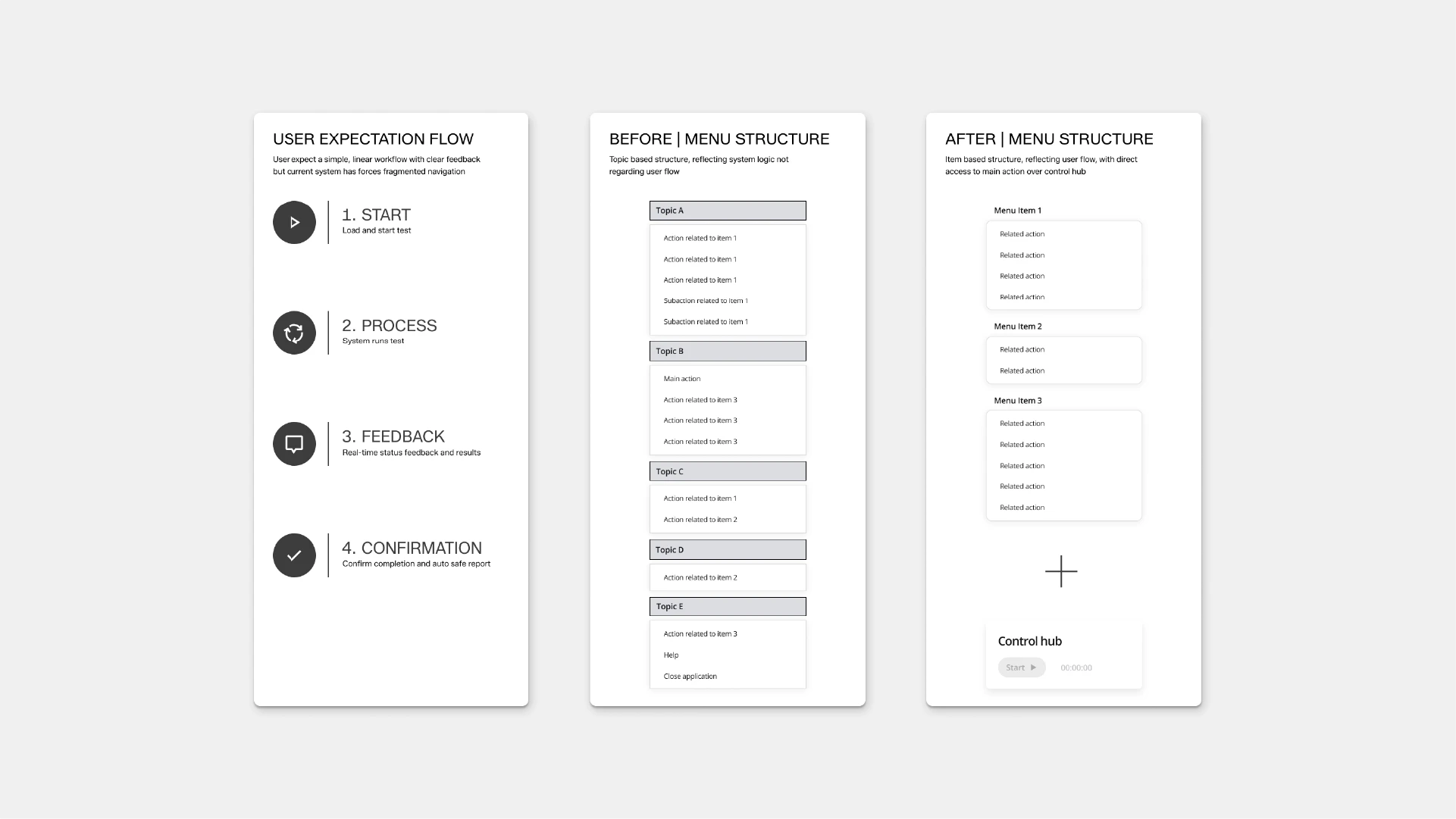
Shifting from system logic to user-oriented structure
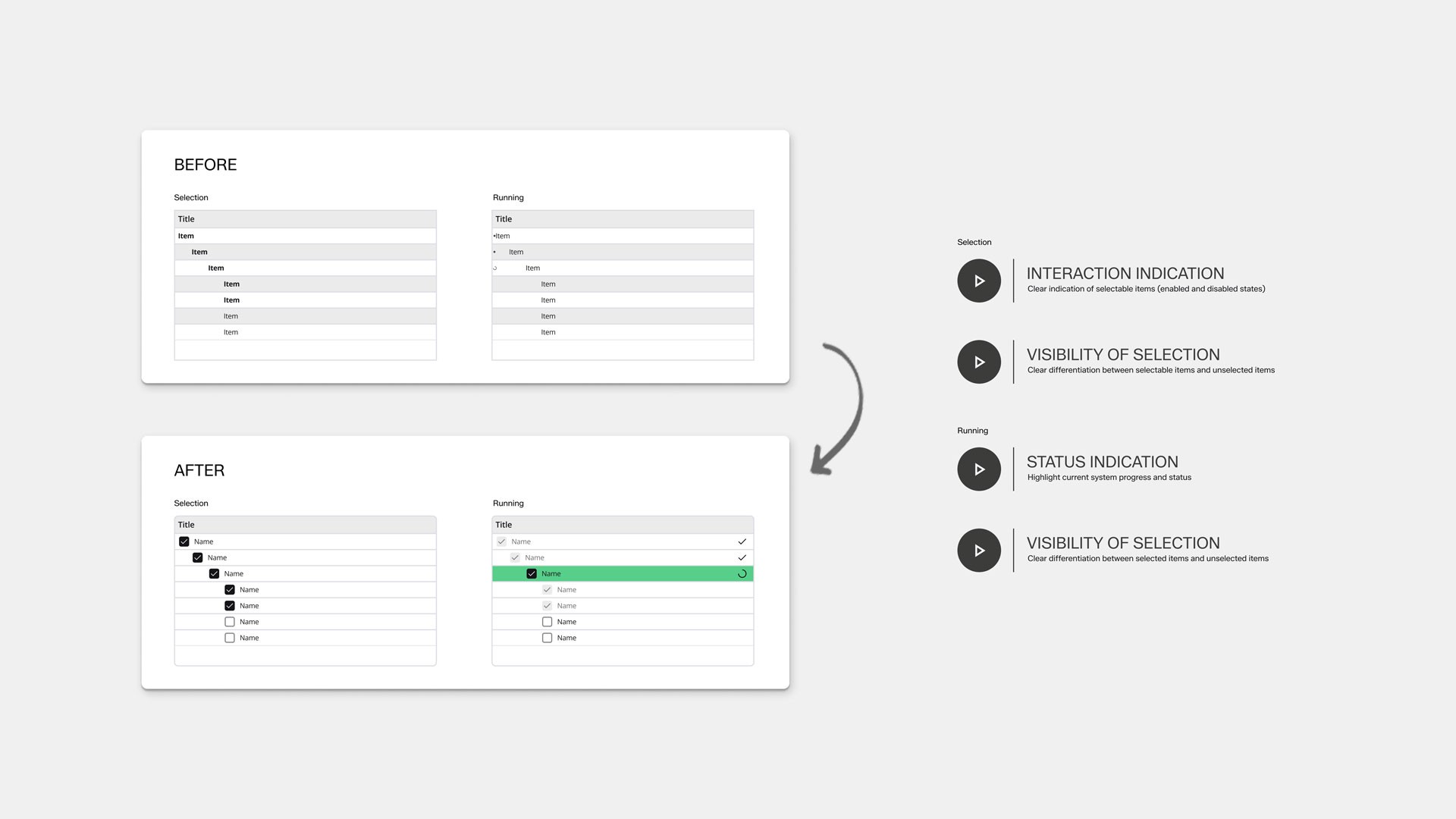
The original interface followed the underlying system logic. We restructured the information architecture into an item-based menu and standardized terminology across the interface. This reduced the need for prior knowledge and made core workflows easier to understand.
Making key actions and system states immediately visible
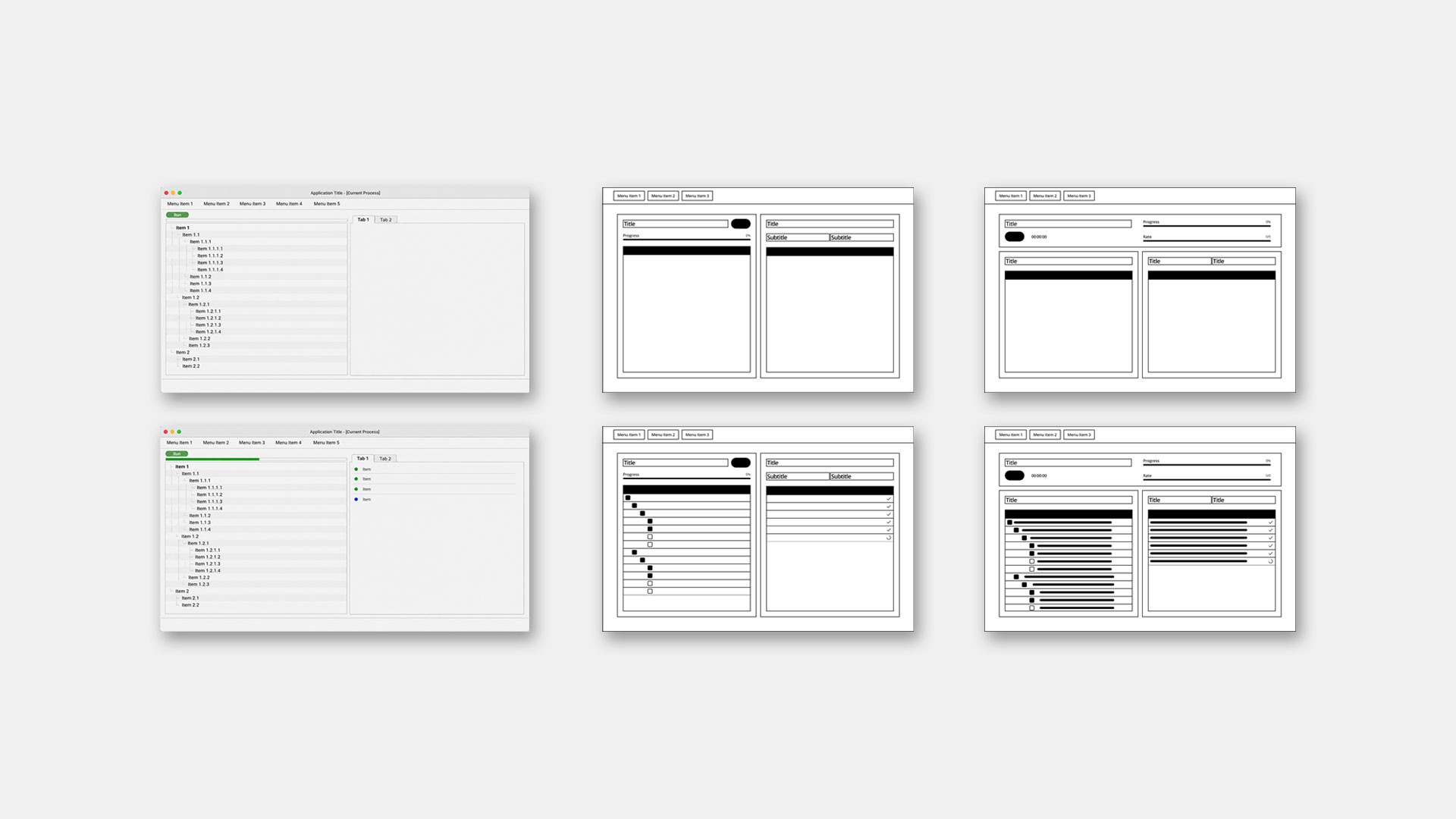
Important actions and system feedback were distributed across the interface, making it difficult to understand what the system is doing at any given moment.
We reorganized the layout to group key actions and dashboard information more clearly. This improved visual hierarchy and made system states easier to interpret during use.
Outcome
The project resulted in a redesigned interface that improves clarity, usability, and visual consistency. Alongside the final screens and modals, we defined the underlying information architecture and interaction principles. This creates a solid foundation for future development and ensures the product can evolve consistently as new features are introduced.